

Chatbase is an advanced chatbot analytics platform that enhances chatbot performance through detailed insights and optimization. It helps businesses improve user engagement and satisfaction.
Chatbase offers comprehensive tools for tracking and analyzing chatbot interactions. Its user-friendly interface allows businesses to monitor performance metrics, identify issues, and implement improvements efficiently. By providing actionable insights, Chatbase ensures your chatbot is always performing at its best. This platform supports various messaging channels, making it versatile for different business needs.
Enhanced reporting features help you understand user behavior, enabling better customization and user experience. Chatbase integrates seamlessly with existing systems, ensuring a smooth transition and effective use. If you aim to boost your chatbot’s efficiency, Chatbase is a valuable asset.
-compressed%20(1).jpg)
Credit: www.thesamur.ai
Introduction To Chatbase
Chatbase is a powerful tool for managing and analyzing chatbots. It helps businesses improve user experience and engagement. If you use chatbots, Chatbase is a must-have.
What Is Chatbase?
Chatbase is a platform by Google. It provides analytics and optimization for chatbots. With Chatbase, you can track your chatbot’s performance. It helps you understand user interactions better. Chatbase offers insights to improve your chatbot’s responses.
Key Features
Chatbase offers many useful features. Here are the key ones:
| Feature | Description |
|---|---|
| Analytics Dashboard | A comprehensive dashboard to monitor chatbot performance. |
| Message Analysis | Analyze each message to understand user intent. |
| Bot Funnels | Visualize user journeys and identify drop-off points. |
| Intent Mapping | Map user intents to improve response accuracy. |
| Automated Insights | Get automated suggestions to enhance your chatbot. |
- Seamless Integration: Easily integrate with various chatbot platforms.
- Customizable Reports: Create custom reports to meet specific needs.
- Real-Time Data: Access real-time data for quick decision-making.
- Step 1: Sign up and connect your chatbot.
- Step 2: Monitor performance via the dashboard.
- Step 3: Analyze messages to understand user behavior.
- Step 4: Use insights to optimize your chatbot.
Chatbase provides everything you need to make your chatbot smarter. It helps you provide a better user experience. With Chatbase, your chatbot can reach its full potential.
Setting Up Chatbase
Setting up Chatbase is an essential first step to harness its potential. This guide will walk you through the installation process and initial configuration.
Installation Process
To begin with, download the Chatbase package from the official website. Follow the steps below to install:
- Download the Chatbase package.
- Open the installer file.
- Follow the on-screen instructions.
- Complete the installation process.
Ensure that your system meets the minimum requirements:
| Requirement | Details |
|---|---|
| Operating System | Windows 10 or macOS 10.13+ |
| RAM | 4 GB minimum |
| Disk Space | 500 MB minimum |
Initial Configuration
Once Chatbase is installed, the initial configuration is crucial. Follow these steps:
- Open Chatbase and sign in with your account.
- Navigate to the Settings menu.
- Configure your preferences like language and notifications.
- Set up your profile with a display name and photo.
Make sure you adjust these settings for the best experience:
- Language: Choose your preferred language.
- Notifications: Enable or disable notifications.
- Profile: Add a profile picture and bio.
Completing these steps ensures Chatbase runs smoothly.
Enhancing Customer Support
Customer support is vital for any business. Chatbase offers tools to improve it. This section reviews how Chatbase enhances customer support.
Automated Responses
Chatbase uses automated responses to answer common questions. This reduces wait times for customers. Automated responses can be set for FAQs, shipping info, and more.
Businesses can create a list of common questions. Chatbase will respond automatically. This saves time and improves efficiency.
| Feature | Description |
|---|---|
| FAQ Automation | Answers frequently asked questions instantly. |
| Quick Replies | Sends pre-written responses to common queries. |
| 24/7 Availability | Provides support even outside business hours. |
Personalization Options
Chatbase allows for personalization options in customer interactions. This makes the support experience more human-like. Personalized messages can address customers by name.
Businesses can use customer data to tailor responses. Personalized support makes customers feel valued.
- Use customer names in responses.
- Tailor messages based on purchase history.
- Provide custom solutions for individual needs.
Personalization creates a better customer experience. It makes support feel more personal and engaging.

Credit: m.youtube.com
Performance And Analytics
Chatbase offers detailed insights into chatbot performance. Understanding these metrics can significantly enhance your chatbot’s efficiency. This section delves into key areas that help in tracking and improving your chatbot’s performance.
Tracking Metrics
To optimize chatbot performance, Chatbase provides a range of tracking metrics. These metrics help you understand user interactions and identify areas for improvement.
- Message Volume: Tracks the total number of messages exchanged.
- User Sessions: Monitors the number of unique user sessions.
- Response Time: Measures the time taken to respond to user queries.
- Fallback Rate: Indicates the rate of unhandled queries.
Using these metrics, you can pinpoint where your chatbot excels and where it needs adjustments. This data can be visualized through charts and graphs for easier analysis.
Improving Efficiency
Improving efficiency is crucial for a chatbot’s success. Chatbase offers tools and recommendations for enhancing your chatbot’s performance.
- Identify Bottlenecks: Use analytics to spot slow response areas.
- Optimize Scripts: Adjust scripts based on common user queries.
- Training Data: Update training data to improve accuracy.
- Monitor Fallbacks: Reduce the fallback rate by refining responses.
By focusing on these areas, your chatbot can provide faster and more accurate responses, improving overall user satisfaction.
Comparing Alternatives
Choosing the right chatbot platform can be tough. With many options, it’s crucial to compare. This section dives into how Chatbase stacks up against others. We will look at competitors and the cost-benefit of Chatbase.
Competitor Analysis
Chatbase competes with several popular platforms. Below is a comparison of key features:
| Feature | Chatbase | Competitor A | Competitor B |
|---|---|---|---|
| Ease of Use | Very High | High | Medium |
| Customization | High | Medium | High |
| Customer Support | 24/7 | Business Hours | 24/7 |
| Integration | Extensive | Limited | Moderate |
Chatbase shines in ease of use and integration. Competitor A offers good support. Competitor B has high customization but medium ease of use.
Cost-benefit Comparison
Understanding the cost-benefit ratio is essential. Let’s break down the expenses and benefits:
- Chatbase: Offers flexible pricing. Plans start at $50/month. Users get 24/7 support and full customization.
- Competitor A: Charges $30/month. Support is limited to business hours. Customization is basic.
- Competitor B: Costs $70/month. Offers extensive customization. Support is available 24/7.
While Competitor A is cheaper, it offers limited features. Chatbase provides a balanced package. Competitor B is more expensive but has high-end features.
Chatbase stands out for its flexibility and support. Users get value for their money. The pricing is competitive with abundant features.
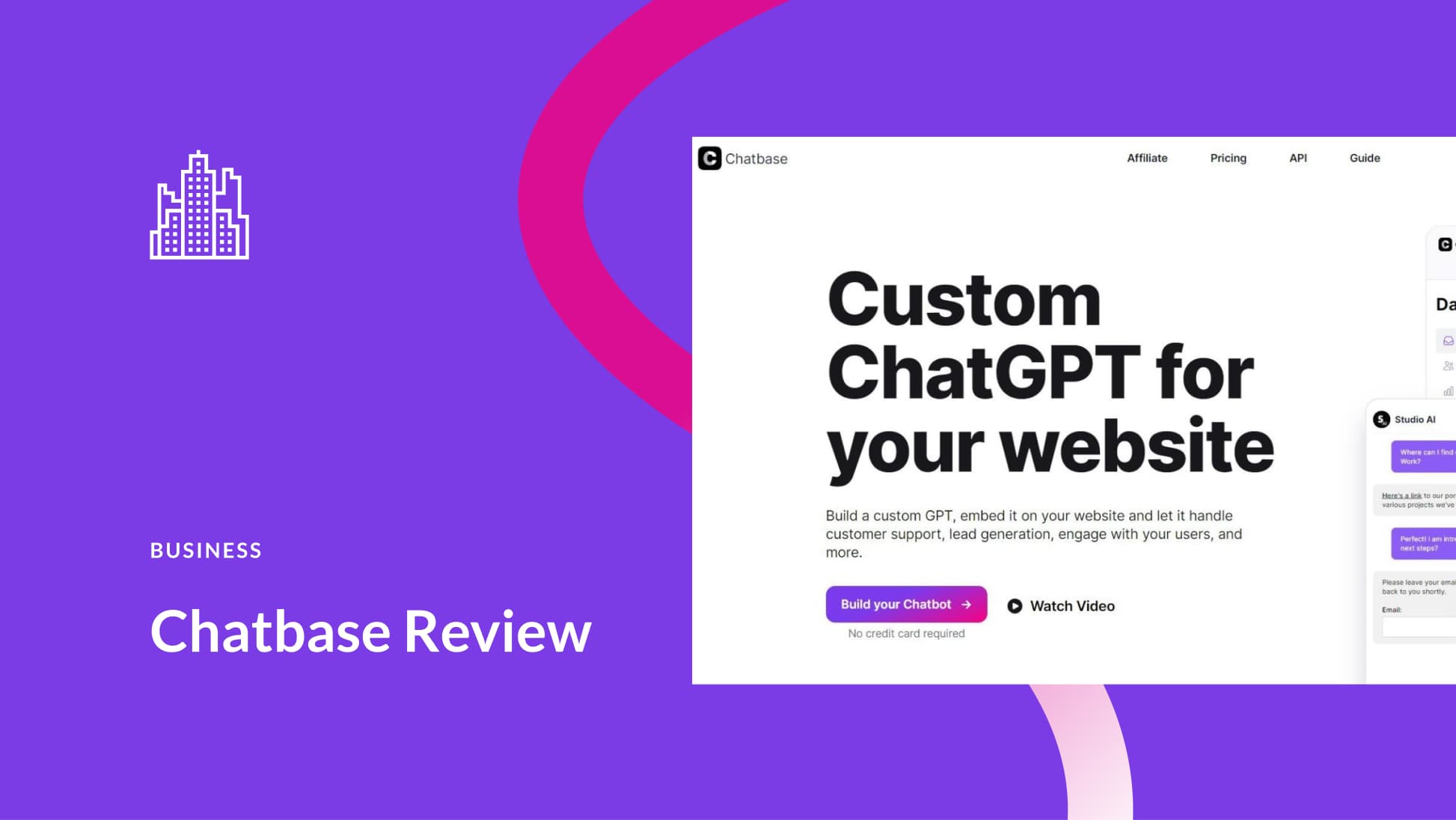
Credit: www.elegantthemes.com
Frequently Asked Questions
What Is Chatbase?
Chatbase is an AI chatbot builder. It helps create custom chatbots for websites, apps, and social media.
How Does Chatbase Work?
Chatbase uses advanced AI. It analyzes user interactions to improve chatbot responses and performance.
Is Chatbase Easy To Use?
Yes, Chatbase offers a user-friendly interface. It requires no coding skills for setup and management.
Can Chatbase Integrate With Other Platforms?
Absolutely, Chatbase supports various integrations. It works well with popular platforms like Facebook Messenger and Slack.
What Are The Benefits Of Chatbase?
Chatbase enhances customer support. It increases engagement, automates responses, and provides valuable insights.
Conclusion
Chatbase offers a robust platform for managing chatbots efficiently. Its intuitive interface and powerful features make it a valuable tool. Whether for businesses or developers, Chatbase delivers exceptional performance. Give it a try to enhance your chatbot experience and streamline your operations.
You won’t be disappointed with its capabilities and support.

