To create a digital download, design your content and use a platform to host and distribute it. Ensure the file format is user-friendly.
Creating digital downloads can be a lucrative business or a means to share valuable content. Popular digital downloads include eBooks, music, software, and templates. Start by identifying your target audience and what they need. Design your product using tools suited to your content type.
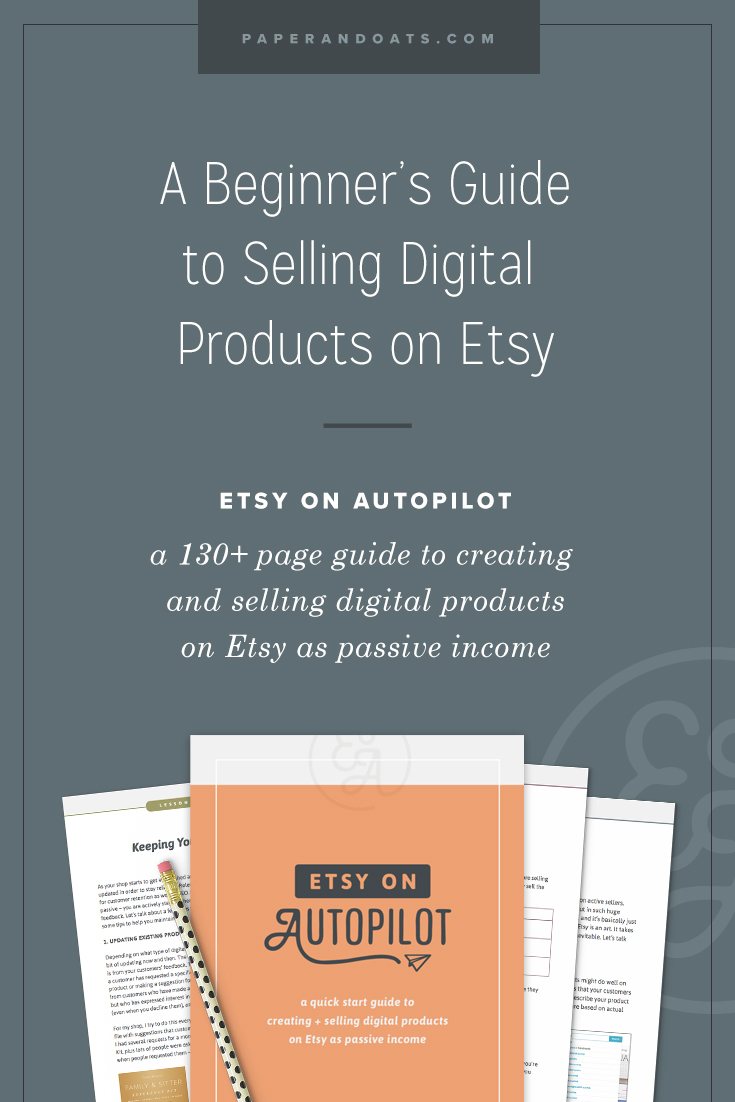
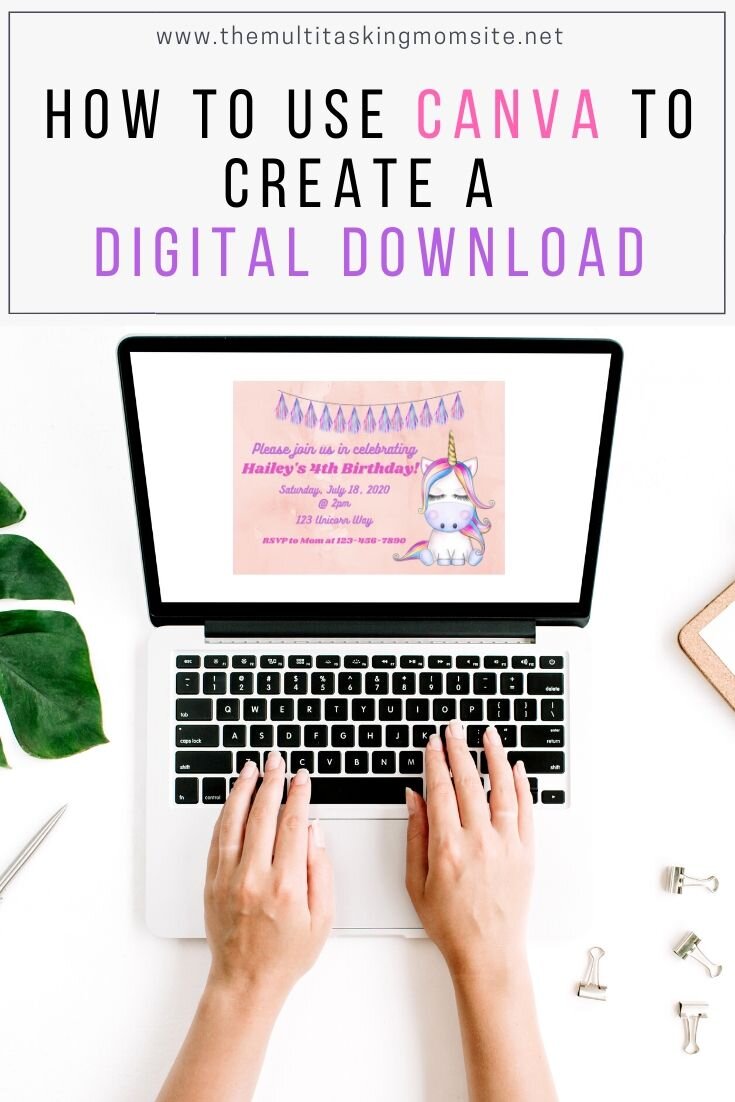
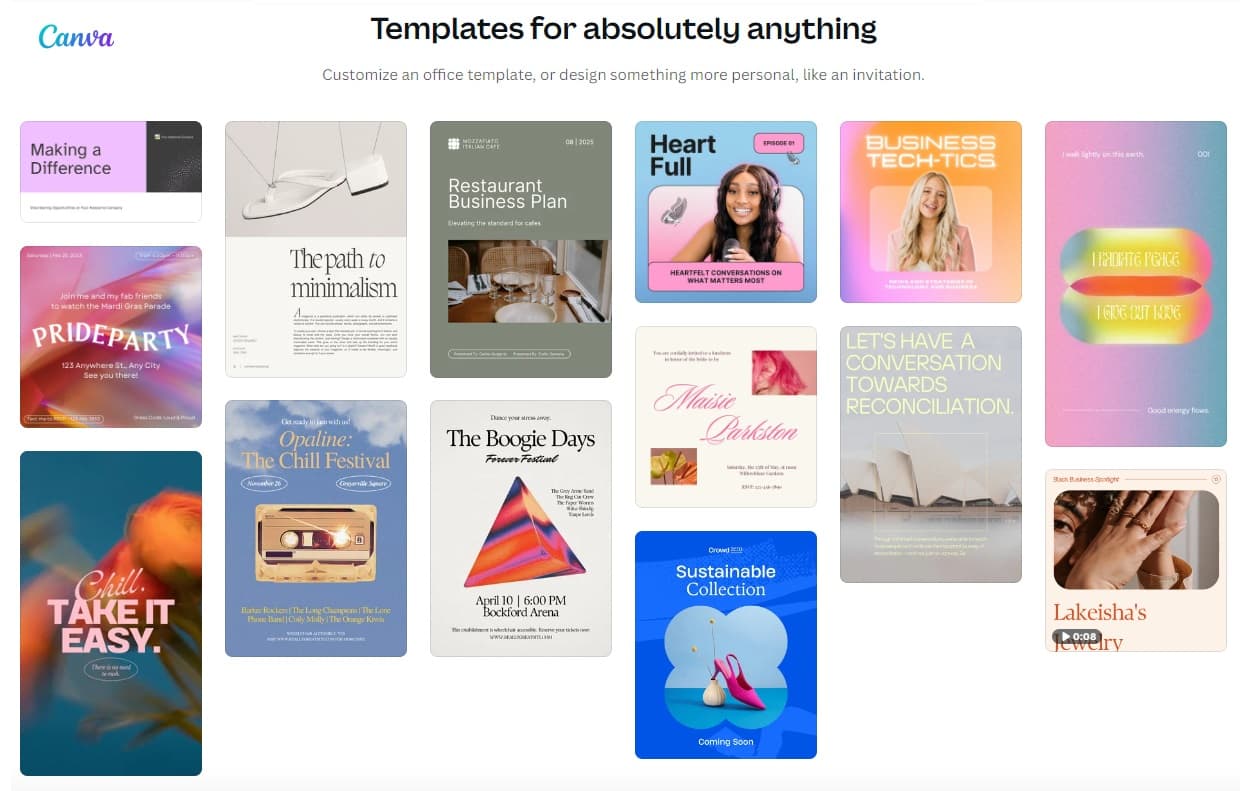
For instance, use Canva for eBooks or GarageBand for music. Once your content is ready, choose a distribution platform like Shopify or Etsy. These platforms provide secure hosting and easy payment processing. Make sure your file format is compatible with common devices to enhance user experience. Finally, promote your digital download through social media and email marketing.
Choosing The Right Product
Choosing the right digital product is crucial for your success. It helps you attract the right audience and maximize sales. You must identify a product that resonates with your target market. Let’s explore how to do that effectively.
Identify Your Niche
Start by identifying your niche. A niche is a specific segment of the market. It allows you to focus on a particular group of people. Here are some steps to identify your niche:
- Identify your interests and passions.
- Evaluate your skills and expertise.
- Analyze potential customer problems you can solve.
Your niche should align with your interests and skills. It should also solve a problem for your target audience. This ensures you create a product that adds value.
Research Market Demand
Once you have identified your niche, research the market demand. This helps you understand if people are willing to pay for your product. Here are some ways to conduct market research:
- Use Google Trends to check search interest.
- Analyze competitors’ products and reviews.
- Conduct surveys or polls in relevant communities.
You can also use tools like Keyword Planner to find popular search terms. This will give you an idea of what people are looking for. Make sure your product addresses a popular need or solves a common problem.
| Step | Action |
|---|---|
| 1 | Identify your interests and passions. |
| 2 | Evaluate your skills and expertise. |
| 3 | Analyze potential customer problems. |
| 4 | Use Google Trends for search interest. |
| 5 | Analyze competitors’ products and reviews. |
| 6 | Conduct surveys in relevant communities. |
By following these steps, you can choose the right product. It will meet your audience’s needs and have a higher chance of success.
Creating High-quality Content
Creating high-quality content is essential for a successful digital download. Your content must be valuable and engaging. This ensures your audience will keep coming back for more. Let’s break down the steps to create top-notch content.
Plan Your Content
Start with a clear plan. Define your goals and target audience. Know what they want and need. This helps you create content they will love.
- Research your topic thoroughly.
- Outline your main points.
- Use reliable sources for information.
Organize your content logically. This makes it easy to follow. Break it into sections with headings. Keep your paragraphs short and to the point.
Use The Right Tools
Using the right tools can improve your content quality. Consider using these tools:
| Tool | Purpose |
|---|---|
| Grammarly | Check grammar and spelling |
| Canva | Create visuals |
| Hemingway Editor | Improve readability |
Grammarly helps you catch errors. Canva is perfect for creating stunning visuals. Hemingway Editor makes your writing clear and simple.
- Check your grammar and spelling.
- Add engaging visuals.
- Simplify complex sentences.
Using these tools ensures your content is polished and professional. High-quality content attracts more downloads and positive feedback.
Designing Your Digital Download
Creating a digital download is exciting. But, the design is crucial. A well-designed digital product can attract more customers. It can also provide a better user experience. Let’s dive into how to create an eye-catching design.
Select A Design Platform
Choosing the right design platform is the first step. There are many options available. Some popular choices are:
- Canva: User-friendly and great for beginners.
- Adobe Illustrator: Ideal for more advanced designs.
- Figma: Perfect for collaborative projects.
Each platform has its own features. Canva is simple and has many templates. Adobe Illustrator offers advanced tools. Figma is excellent for team projects. Select a platform that suits your needs.
Focus On User Experience
User experience (UX) is very important. A good UX makes your product easy to use. Here are some tips to improve UX:
- Simple Navigation: Ensure users can find what they need easily.
- Readable Fonts: Choose fonts that are easy to read.
- Consistent Design: Keep your design elements consistent.
- High-Quality Images: Use clear and relevant images.
Test your design before finalizing it. Ask for feedback from friends or colleagues. This can help you make necessary adjustments.
Remember, a great design can make a huge difference. It can turn a simple digital download into a must-have product.

Credit: download-monitor.com
Setting Up Payment And Delivery
Creating a digital download product is exciting. Setting up payment and delivery is crucial. It ensures customers receive their purchases seamlessly. This section will cover setting up payment and delivery. Learn about choosing a payment gateway and automating the delivery process.
Choose A Payment Gateway
Choosing the right payment gateway is vital. It affects the security and convenience of transactions. Popular options include:
- PayPal: Widely used and trusted by customers.
- Stripe: Supports multiple currencies and payment methods.
- Square: Easy to set up and use.
Compare fees and features before deciding. Ensure the gateway supports your target audience’s preferred payment methods.
Automate The Delivery Process
Automating delivery saves time and ensures customer satisfaction. Use an e-commerce platform that supports digital downloads. Popular platforms include:
- Shopify: User-friendly with many plugins.
- WooCommerce: Integrates with WordPress seamlessly.
- SendOwl: Focuses on digital products and subscriptions.
Set up automated emails for order confirmations. Include download links in these emails. Ensure the download links are secure and valid for a limited time. This prevents unauthorized sharing.
Incorporate these steps to streamline your digital download business. Happy selling!
Marketing Your Digital Product
Creating a digital download is only the first step. The next critical phase is marketing it effectively. Proper marketing ensures your product reaches the right audience, driving sales and building a loyal customer base. This section will guide you on how to market your digital product effectively.
Build A Sales Page
A well-designed sales page is essential for converting visitors into buyers. It should be visually appealing and provide clear information about your product. Here’s what to include:
- Product Description: Explain what your digital product is and its benefits.
- High-Quality Images: Use images to showcase your product’s features.
- Testimonials: Include reviews from satisfied customers to build trust.
- Call-to-Action: Encourage visitors to make a purchase with a clear CTA button.
Consider adding a FAQ section to address common questions. It helps reduce buyer hesitation.
Utilize Social Media
Social media platforms are powerful tools for promoting your digital product. Use them to reach a wider audience and engage with potential customers. Here’s how:
- Create Engaging Content: Share posts, videos, and stories about your product.
- Use Hashtags: Incorporate relevant hashtags to increase your content’s visibility.
- Engage with Followers: Respond to comments and messages to build a community.
- Run Ads: Use targeted ads to reach specific demographics interested in your product.
Encourage users to share your content. Word-of-mouth marketing can be very effective.
| Platform | Best Use |
|---|---|
| Creating groups and running ads | |
| Sharing images and stories | |
| Engaging with quick updates | |
| Networking with professionals |
Use analytics tools to track your social media performance. Adjust your strategy based on what works best.
Credit: memberful.com
Providing Customer Support
Offering exceptional customer support is vital for any digital download business. It builds trust and ensures customer satisfaction. Great support can turn one-time buyers into loyal customers. Let’s dive into some effective strategies.
Set Up A Help Desk
A help desk allows you to manage customer queries efficiently. It keeps all communications organized. You can track issues and resolve them swiftly. Use tools like Zendesk or Freshdesk.
These platforms offer ticketing systems. Customers can submit their issues through a simple form. Your team can then address these tickets in order.
- Organize customer queries
- Track and resolve issues
- Use tools like Zendesk or Freshdesk
Create A Faq Section
A FAQ section answers common questions. It saves time for both you and your customers. Place it prominently on your website.
Include questions about downloading, installation, and troubleshooting. Make the answers clear and concise.
| Question | Answer |
|---|---|
| How to download the product? | Click on the download link in your email. |
| How to install the product? | Follow the installation guide provided. |
| What if I face issues? | Contact our help desk for support. |
Regularly update the FAQ section. Add new questions based on customer feedback.
- Answer common questions
- Save time for everyone
- Update regularly based on feedback
Providing excellent customer support enhances your business reputation. It ensures that customers have a positive experience with your digital products.
Credit: easydigitaldownloads.com
Frequently Asked Questions
What Is A Digital Download?
A digital download is a file you can purchase and download online.
How Do I Create A Digital Download?
Use software to create files, then upload them to a platform for sale.
What File Formats Are Best?
Common formats include PDF, MP3, and MP4 for easy access and compatibility.
How Can I Sell Digital Downloads?
Use e-commerce platforms like Etsy, Shopify, or Gumroad to list and sell your digital products.
Conclusion
Creating a digital download is straightforward and rewarding. Follow these steps for success: plan, create, and market effectively. Focus on quality and user experience. Utilize the right tools and platforms to streamline the process. With dedication, your digital product will attract and satisfy customers, boosting your online presence and sales.